

Mazze
-
Posts
246 -
Joined
-
Last visited
Content Type
Profiles
Articles
Articles - Premium
Resources
Insider
Courses
Forums
Store
Posts posted by Mazze
-
-
Hi everyone,
in this tutorial we're going over how to create an advanced key in SCRATCH,
using multiple qualifiers, layers and blendmodes.
Also we'll show how to use and navigate the node tree in SCRATCH.
Enjoy 🙂 .Cheers,
Mazze-
 1
1
-
-
Hi folks,
this is a quick run-through for those, that are particularly interested in creating dailies, or new online masters
from ProRes RAW material. As an added bonus, I appended the intro video about white balance controls below 😉 .Cheers,
Mazze -
Hi everyone,
in this online session we will show you how to use Assimilate Live Assist to boost your on-set workflow and adapt to an era of social distancing and fewer bodies on the set. Whether it’s live grading, live green screen replacement, multi-cam recording & playback or using Live Assist as a Media-hub to live-stream out multiple camera feeds, or instant-review footage and grades from any phone, tablet or laptop near-set. We will also have Stefan King from Difference Live Streaming, showing us the latest developments of their private low-latency streaming platform, and how to use it with Live Assist.
Live Assist On-Set Workflow:
• Example setup with 2 cameras
• Live grading both camera feeds
• Live effects & green screen replacement
• (auto-) recording and playback of camera feeds
• Set up Multi-Cam Live Stream from Live Assist
• Use of on-screen annotations to communicate with remote clients
• Thatcher Kelley from SetStream.io showing how to stream to a secure private platform
• Built-in http web interface for local on-set instant review of recorded clips and grades
• Generating reports and grade index for post houses
• Post Workflow for dailies
• Short- and Mid-term plans for Live Assist
• Q&ACheers,
Mazze -
Hi everyone,
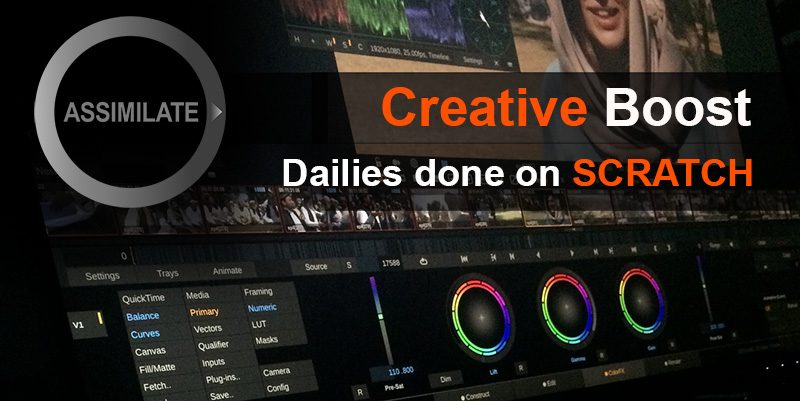
This online session does not only highlight why you want to do dailies in SCRATCH, but also show you how to do it. Mazze walks you through the complete dailies process – from import to export, incl. all the advantages that come with it. You’ll walk out of this online session, fully prepared to start a dailies job on SCRATCH. Also we will have Ansgar from the COPRA team to show the latest features for v5 their web dailies platform!
Dailies in SCRATCH:
• settings & project creation
• importing clips
• offloading
• import of ALE/EDL
• Media Browser Tool
• LUT/CDL loading & matching
• audio sync (TC-based + manual sync) incl. LTC
• metadata QC + Scene/Take
• dailies grading + RAW decode options
• color management (i.e. monitor HDR and SDR side by side)
• timeline automation
• output tree with different deliverables and metadata burn-ins
• output filenaming + preset creation
• render check / QC reports
• import offline clips into Avid, incl. all clip metadata
• COPRA Dailies Platform - new Version Demo
• Q&ACheers,
Mazze -
Yes people - it just went up online 🙂 .
Here you go:
Cheers,
Mazze-
1
-
-
Slight update here: We will have Thatcher Kelley from www.setstream.io with us tomorrow, showing multi-cam live streaming through this new platform. It's gonna be pretty awesome 🙂 .
-

Online Session hosted by Mazze Aderhold
Wednesday, July 8th
10am Los Angeles | 1pm New York | 7pm BerlinRegister here: https://www.assimilateinc.com/join-webinar/
What is this online event about?
In this online session we will show you how to use Assimilate Live Assist to boost your on-set workflow and adapt to an era of social distancing and fewer bodies on the set. Whether it’s live grading, live green screen replacement, multi-cam recording & playback or using Live Assist as a Media-hub to live-stream out multiple camera feeds, or instant-review footage and grades from any phone, tablet or laptop near-set. We will also have Stefan King from Difference Live Streaming, showing us the latest developments of their private low-latency streaming platform, and how to use it with Live Assist.
Live Assist On-Set Workflow:
• Example setup with 2 cameras
• Live grading both camera feeds
• Live effects & green screen replacement
• (auto-) recording and playback of camera feeds
• Set up Multi-Cam Live Stream from Live Assist
• Use of on-screen annotations to communicate with remote clients
• Thatcher Kelley from SetStream.io showing how to stream to a secure private platform
• Built-in http web interface for local on-set instant review of recorded clips and grades
• Generating reports and grade index for post houses
• Post Workflow for dailies
• Short- and Mid-term plans for Live Assist
• Q&AThe event is free for all attendees.
The content is designed for DITs and Video Assists.
We will also record the event for you to watch later.
Please send your questions, comments and feedback to: info@assimilateinc.com-
1
-
-
Don't believe so.
-
Hi all,
since metadata is more important than ever before in nowadays vfx-heavy workflows,
frame based metadata is also being requested more often by vfx companies.With the latest SCRATCH build from yesterday we added support for frame based metadata from RED RAW footage.
This way, you can get frame based lens information (and other metadata) rendered into OpenEXR sequences.VFX-departments can use that information to link to and control the virtual camera inside their compositing software.
It's a huge timesaver and enables more accurate vfx work.If you wanna play around with it, get yourself a free license from our webpage:
https://register.assimilateinc.com/registration.aspxRelease notes are to be found here:
http://www.assimilatesupport.com/akb/Download51030.aspxCheers!
Mazze -
H264 does support 10 bit (in normal MP4s, but also in MXF - XAVC, XF-AVC and AVC-I are basically 10 bit H264 flavors).
However, not all players can decode it. Also not sure whether Resolve allows to render 10 bit h264.
In any case - as Stef mentioned, it might be a moot point anyways, since Youtube will convert it back to 8 bit.
-
You can, but in 99% Youtube will convert it to an 8 bit h264 again and stream that, instead of your 10 bit source.
Mainly because browsers to my knowledge are not able to decode 10 bit h264.
Next, most monitors that Youtube is being watched on are 8 bit panels anyways.
However, many of them have good dithering functionality, taking care of any banding.
Given that, you can just export as 8 bit right from the start.-
1
-
-
Hi all,
here is a video that shows how to set up ScopeBox with Assimilate SCRATCH, Live Looks, Live Assist and Play Pro
for advanced video measuring:
Cheers,
Mazze-
1
-
-
And here is finally the recording of the session.
It is 2 hours long, but after those you'll be able to drive your dailies in SCRATCH 😉 .
-
Hi everyone,
as RED recently released their new metal-decode SDK, I found it a good idea to make a quick video
about which settings you can tweak in order to maximize performance for playback and transcoding.
Cheers,
Mazze -
Hi all,
here's the recording of our recent webinar about live streaming with an introduction to
the basics about live streaming as such and then setting up a live streaming session via Youtube,
or a custom streaming server - enjoy!
Greetz,
Mazze-
1
-
-
Hi all,
just catching up on posting videos 🙂 .
Here's a little overview of the most important new features in SCRATCH 9.2.
First and foremost the new annotation tool, which can be used for review sessions (also via live streaming)
and the new Soft Clip toolset.Cheers,
Mazze -
Just added a small bit: We will also get to enjoy a short demo (incl. Q&A) of the latest version of COPRA web dailies platform,
by Ansgar Krützmann of CinePost in Berlin🙂 !
-
Online Session hosted by Mazze Aderhold
Wednesday, May 20th
10am Los Angeles | 1pm New York | 7pm BerlinRegister here: https://www.assimilateinc.com/join-webinar/
What is this online event about?
This online session we will not only highlight why you want to do dailies in SCRATCH, but also show you how to do it. Mazze will walk you through the complete dailies process – from import to export, incl. all the advantages that come with it. You’ll walk out of this online session, fully prepared to start a dailies job on SCRATCH. Also we will have Ansgar from the COPRA team to show the latest features for v5 their web dailies platform!
Dailies in SCRATCH:
• settings & project creation
• importing clips
• offloading
• import of ALE/EDL
• Media Browser Tool
• LUT/CDL loading & matching
• audio sync (TC-based + manual sync) incl. LTC
• metadata QC + Scene/Take
• dailies grading + RAW decode options
• color management (i.e. monitor HDR and SDR side by side)
• timeline automation
• output tree with different deliverables and metadata burn-ins
• output filenaming + preset creation
• render check / QC reports
• import offline clips into Avid, incl. all clip metadata
• COPRA Dailies Platform - new Version Demo
• Q&AThe event is free for all attendees.
The content is designed for DITs, colorists and finishing artists.
We will also record the event for you to watch later.
Please send your questions, comments and feedback to: info@assimilateinc.comCheers,
Mazze -
Hi everyone - recording of the webinar is available here:
https://vimeo.com/416656458The PDF used in the presentation can be found here:
https://bit.ly/2YM0EY1And due to popular demand, we also made the test chart used during the webinar available here:
https://bit.ly/2WhmX64
Cheers,
Mazze-
 1
1
-
-
Hey everyone,
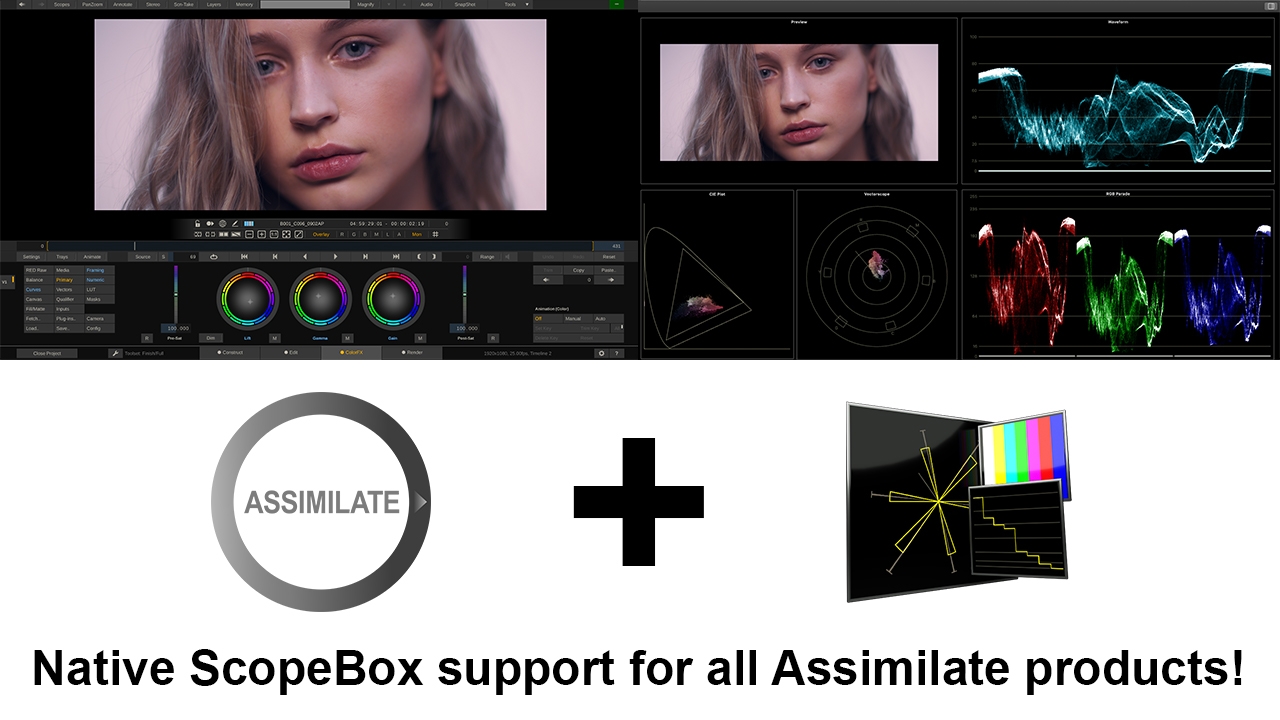
as of today, ScopeBox ships with native direct ScopeLink support for all Assimilate products.
Get a 14-day trial of ScopeBox to use it with SCRATCH, or our Live tools - it’s the most fantastic set of scopes!Don’t have a SCRATCH license? Head over to our website - all Assimilate products are FREE until end of October!
Cheers,
Mazze-
1
-
-
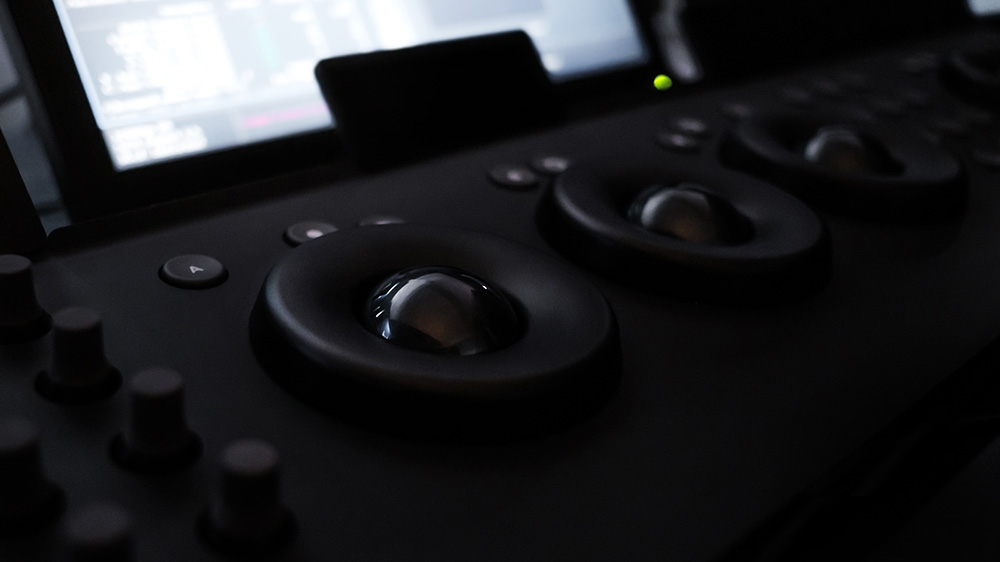
Aaaaand for those who were waiting... we finally got them back in stock:
https://www.angry-face.com/rings-trackerballs-and-bundles-back-in-stock/
Image credits to peter Hacker at fatrat color grading!
Cheers,
Mazze -
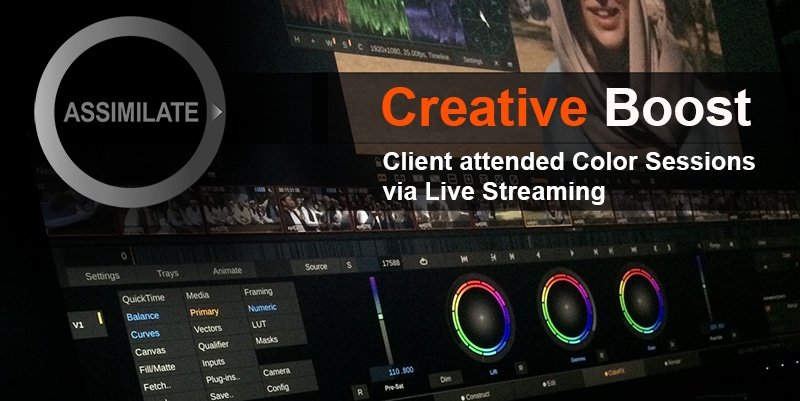
Creative Boost: Client attended Color Sessions via Live Streaming
Wednesday, May 6th
10am Los Angeles | 1pm New York | 7pm BerlinRegister here: https://www.assimilateinc.com/join-webinar/
What is this online event about?
Join Leo and Oscar from moving forward studios on this online event showing how to live stream your color- or review session to your clients via a private Youtube channel,
or your own rtmp server setup.We will show:
• how to stream a color session to your clients via a private Youtube channel
• how to set up your own secure rtmp server for live streaming
• host review sessions with on-screen annotations, metadata burn-in and QC-reports
• Q&A + whitepaper PDF at the end of the session for all attendeesThe event is free for all attendees.
The content is designed for DITs, colorists and finishing artists.
We will also record the event for you to watch later.
Please send your questions, comments and feedback to: info@assimilateinc.com
Looking forward to see you all 🙂 .
Cheers,
Mazze -
If it doesn't need to be Resolve, you can use SCRATCH... it has a native live streaming option
(and is free of charge until end of October right now).You can either let it stream to you a (private) Youtube live channel, or Vimeo, or Wowza, or your own rtmp server if you happen to have one.
Youtube has about 2-3 seconds delay, if you have a decent bandwidth and set the stream on Youtube to "Ultra Low Latency".I've seen custom setups with delays less than 1sec going halfway around the globe.
-
2
-
1
-
-
ALL,
We hope you all are healthy and safe during these times.If you are working from home,
If you need to connect with people remotely,
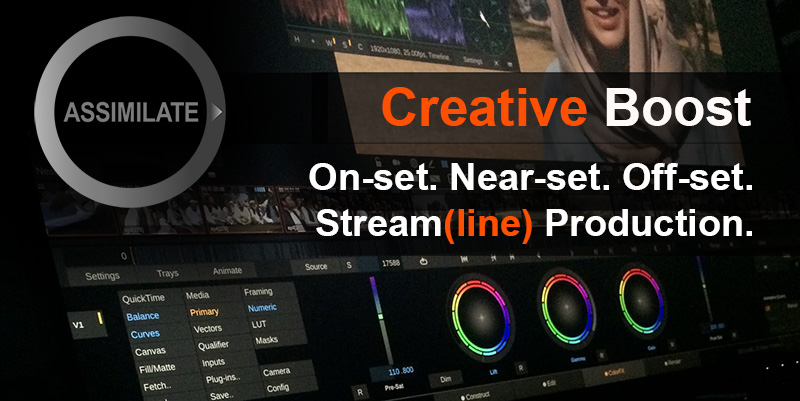
If you have some time to learn new things,We are here to help, with the ASSIMILATE Creative Boost!
As of today, we are offering all of our products for FREE until the end of October 2020!
Yes for FREE!
Register for your FREE licenses here:
https://bit.ly/2KqOImfUse, Learn, Enjoy!
All of our products are FREE until October 31, 2020!Check out online tutorials:
https://www.youtube.com/channel/ASSIMILATEFREE access to Lowepost online SCRATCH Training:
https://lowepost.com/promotions/scratchStay tuned for more information coming to you as we go online and interactive to help with knowledge!
-
1
-


What is the best color grading software?
in Editing , Color grading & Finishing
Such nice rings you got there on your Element 😜 .